Create a room
Enter a nickname and tap Create room. TalkWay generates a short-lived six-character code.
Live voice · up to five people
Create a room, share the six-character code and keep your group in one live voice session. Leave the mic open for a natural conversation or hold to talk only when you need it.
Three steps
No registration flow, contact upload or complicated invite system.
Enter a nickname and tap Create room. TalkWay generates a short-lived six-character code.
Send the built-in invite or copy the code. Up to four other people can paste it and join.
Use Tap to talk for an open mic, or press and hold the second control for true push-to-talk.
Why TalkWay
Calls and chat apps are excellent at what they were designed for: reaching one person who is free to answer. A shared, always-open voice line for a small group on the move is a different job, and it is the only job TalkWay does.
Someone dials, and everyone else has to notice it and answer.
You share a six-character code. People walk in when they are ready, so there is nothing to answer.
Phone numbers, or accounts added to each other as contacts.
A nickname and a code. No account, no phone number, no contact list.
Group voice is usually a call that one person hosts and manages.
Up to five people share one open line. Anyone with the code joins or leaves without interrupting the rest.
You are expected to pick up, hold the phone or look at the screen.
Two hands-free modes: leave the mic open for the whole session, or hold one large button to talk.
A voice call generally takes the audio over and gives you no say in it.
You choose mix, duck or voice-only. The app shows the live audio route and says when a Bluetooth headset lowers music quality.
Call logs, message history, read receipts, someone waiting on a reply.
Nothing is recorded. The room closes itself seconds after the last person leaves, and the code stops working.
An account, your contacts, notifications and, in many cases, analytics or ads.
No account, no analytics, no ads, no tracking. The microphone is the only sensitive permission.
TalkWay is deliberately not a messenger: no text, no history, no files, no video. Keep your phone free for real calls and emergencies. This is a voice line for a group that is out doing something together.
Rooms for the whole group
One short code puts iPhone and Android in the same live voice session, whether the group is moving, working or simply apart.
Room R4G7QX
4 of 5 connected
Any pace · any place
Run, ride, hike, drive, ski or work: TalkWay gives the group a voice without defining the activity.
Captured from build 21
Every screen below was captured from the current iOS simulator or Android emulator, using the production React Native interface.
Actual app screenshot
Two controls, always visible
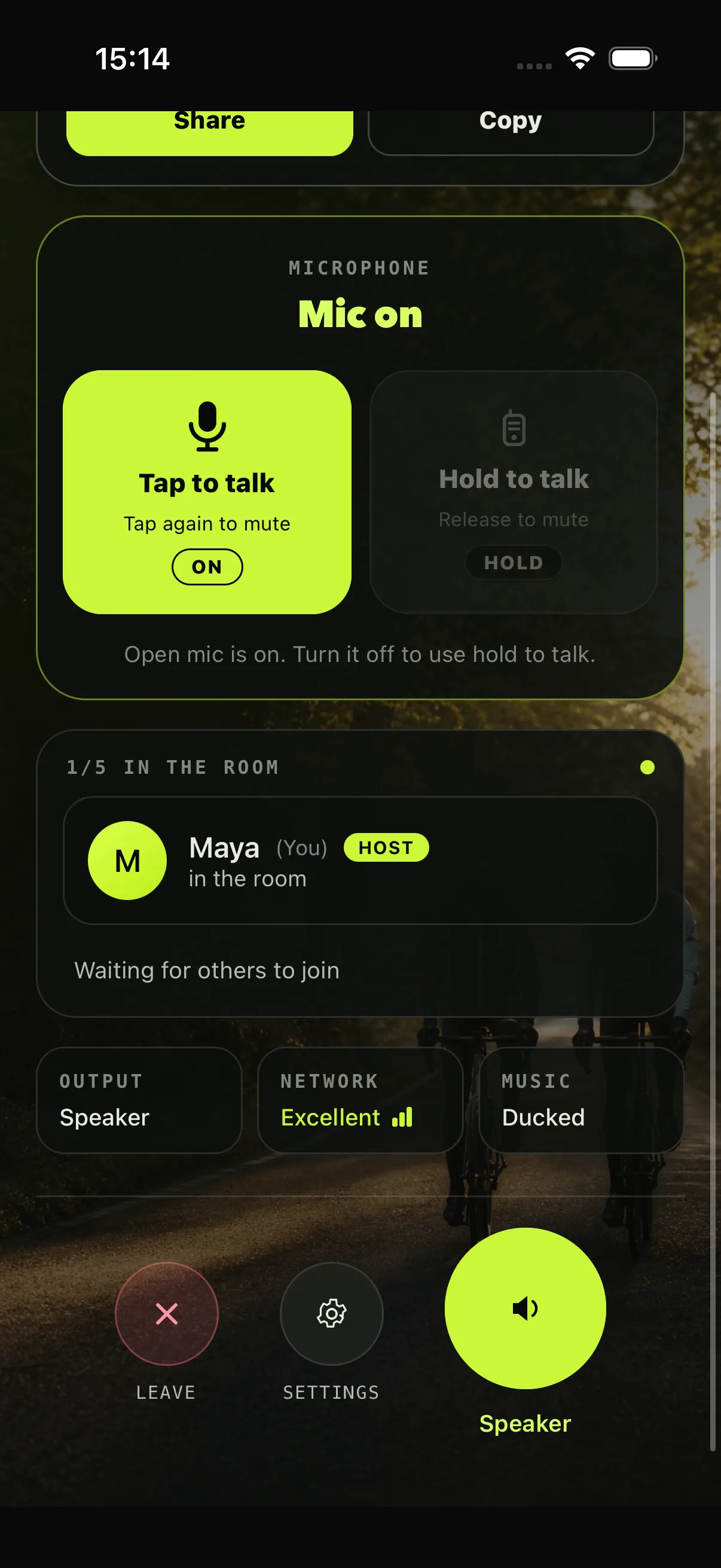
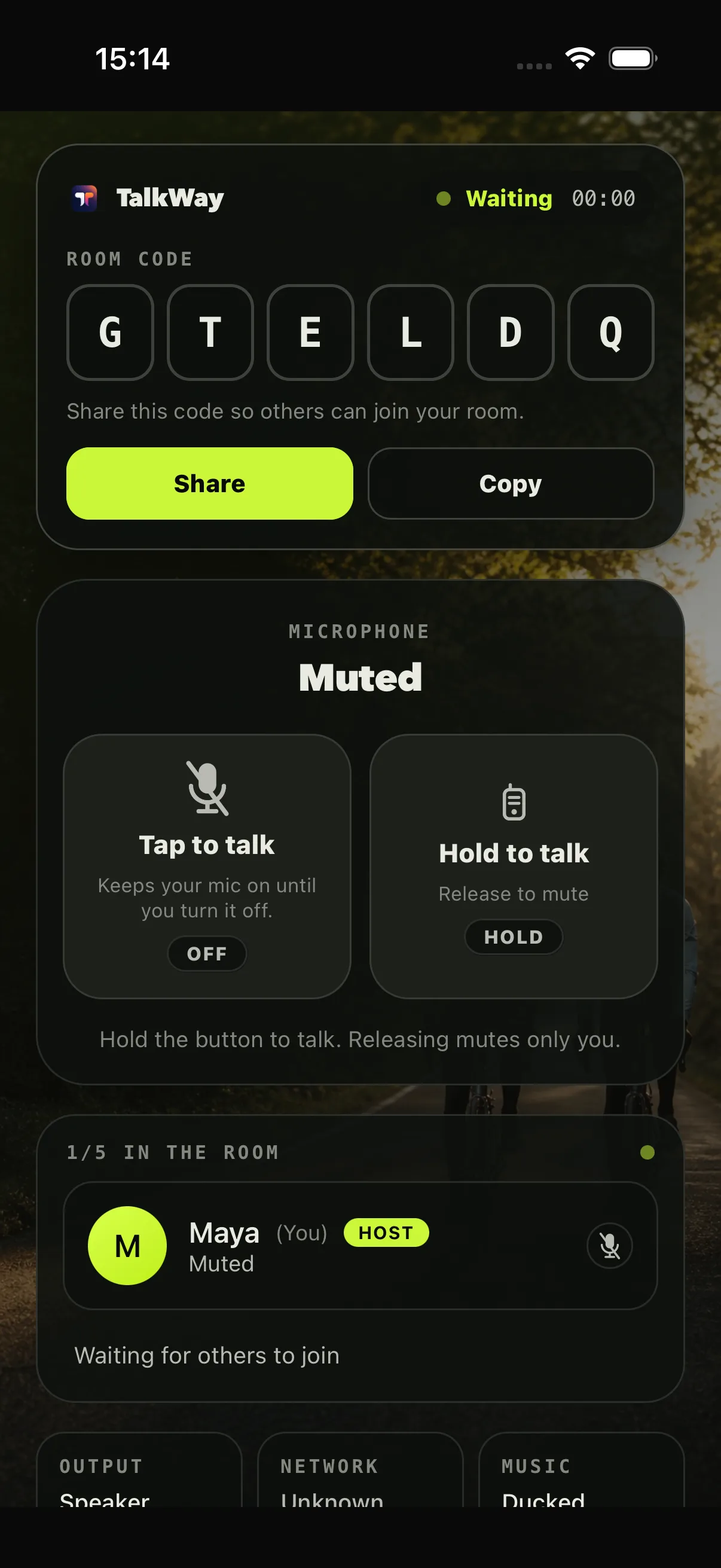
TalkWay starts muted in push-to-talk mode. Both controls remain on the room screen, so you can change your rhythm without digging through settings.
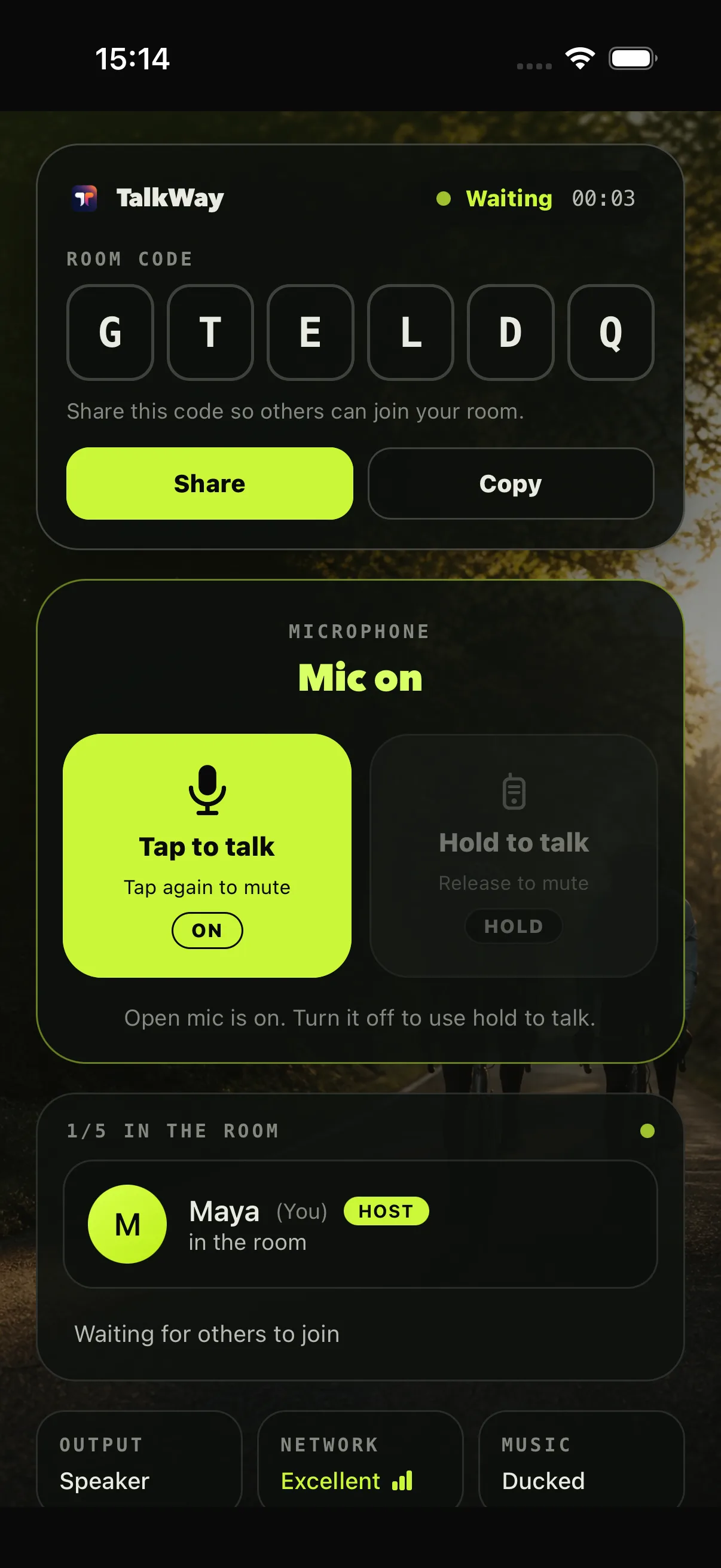
One tap opens your microphone and keeps it live. Tap again to mute. Use it for a normal, overlapping conversation.
Press and hold the large control while speaking. Releasing it mutes only you, like a walkie-talkie.
Everyone sees who is muted and who is speaking. The host can remove a participant; host status moves automatically if the original host leaves.
Built for a moving group
The current app is designed around short-lived rooms, explicit microphone state and resilient mobile audio.
One host and up to four guests share a room. Copy the code or share a localized invite card.
Either platform can create or join the same room. There is no platform bridge or account pairing.
The audio session continues with the screen locked or another app in front, subject to mobile OS and battery limits.
Muted icons, speaking activity, output route, network quality and music behavior are shown in the room.
Offline, retry, reconnecting, maintenance and long-session confirmation states are handled explicitly.
Your nickname is local identity for the room. There is no sign-up, profile, contact upload or social graph.
Android adds an ongoing session notification with Talk/Mute and End actions, plus optional headset-button push-to-talk.
Music and routes
TalkWay exposes the active output, preferred microphone and three music behaviors instead of hiding mobile audio tradeoffs.
Mix voice and music where the device and route support it.
Temporarily lower other audio so voices remain easy to understand.
Pause or suppress music while the voice session is active.
Permission truth
The website now matches what the shipping app actually requests and uses.
Read the privacy policyYes. A room code works across both platforms, and either platform can host. The iOS app is not in the App Store yet: write to us for access.
Adults only. Before your first room, the app asks you to confirm that you are 18 or older and to accept the Terms of Service and Community Rules.
Both. Tap to talk is a persistent open-mic toggle. Hold to talk is true push-to-talk and mutes you when released. The default is muted push-to-talk.
Microphone is required. Android 13+ may also request notification permission for the ongoing session notification. Camera, location and contacts are not requested.
Choose Mix, Duck or Voice only. Classic Bluetooth must switch to call audio when its microphone is active, so music quality drops on that route.
Up to five, including the host. The host can remove a participant, and host status moves to the earliest remaining participant if needed.
TalkWay shows retry and reconnect states. After two hours it asks whether you are still there; confirm within 60 seconds to continue.
TalkWay for Android is available now on Google Play. Scan the code or open the store directly.
Android is available now. For iOS access, contact us by email. Scan to downloadPoint your phone camera at the code to open TalkWay in Google Play.play.google.com